★ Free · No download · Desktop & mobile ★
Play Mario Game Online
Run, jump and stomp through 8 original levels right in your browser — then try six classic open-source versions.
Mario.Game Adventure
Arrows / WASD to move · Space or Z to jump · Shift or X to run · Enter to pause
100% free
No sign-up, no download, no paywall.
8 levels
Four worlds, from Green Hills to the Lava Castle.
Mobile ready
Touch buttons on phones, fullscreen anywhere.
7 games
Our original plus six open-source versions.
More Mario games to play
All games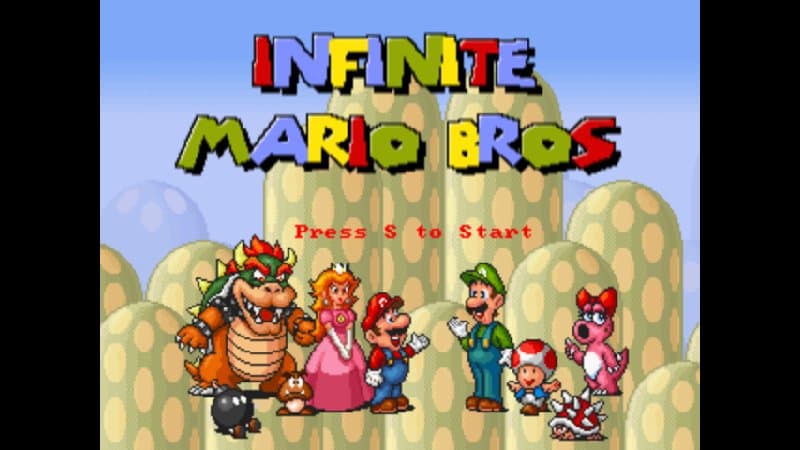
Infinite Mario Bros
The legendary random level generator — a new stage every time you play. HTML5 port of Notch's 2008 classic.
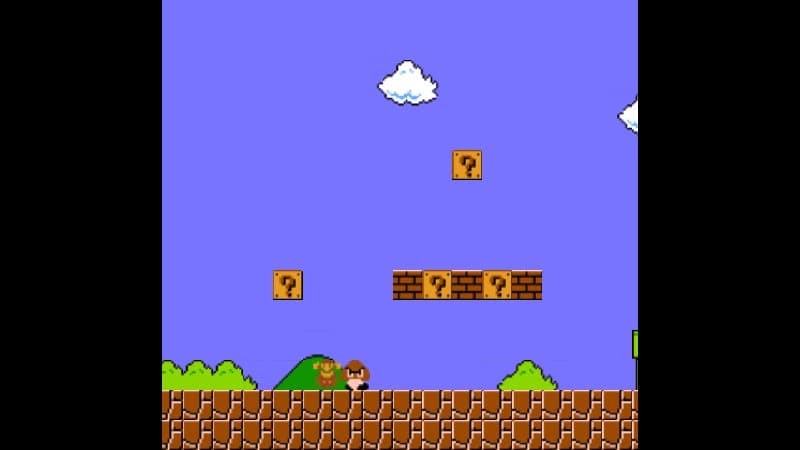
Mario.js — World 1-1 Remake
A faithful JavaScript recreation of the most famous level ever made, built with a hand-written canvas engine.
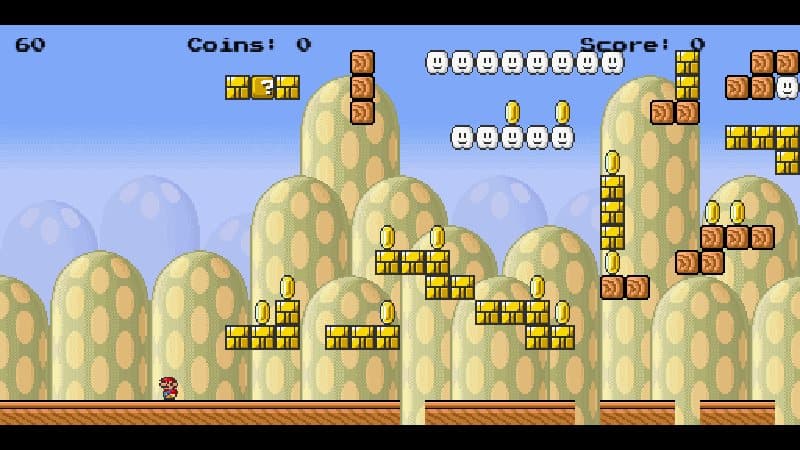
MariOCaml
Super Mario written entirely in OCaml and compiled to JavaScript — with procedurally generated levels.
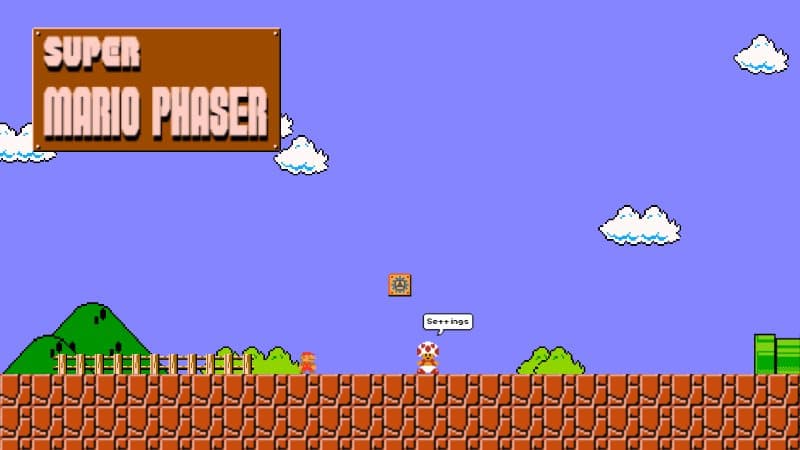
Super Mario Phaser
A modern Phaser 3 recreation with random level generation, customizable controls and a settings menu.
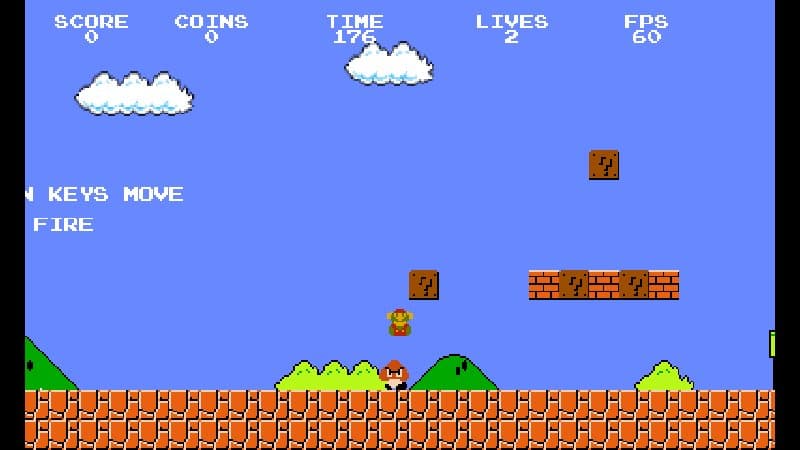
Super Mario HTML5 (Phaser 3)
A polished Phaser 3 + TypeScript take on World 1-1 with power-ups, fireballs and pipe warps.
 Mobile
Mario Level Editor
Play World 1-1 and switch into edit mode to build your own level — with on-screen touch buttons.
The worlds of Mario.Game Adventure
Walkthrough 1-1
1-1Green Hills
Rolling hills, rising pipes and the first Piranha Plant. Learn to run, jump and stomp.
 1-2
1-2Underground
A blue cavern with a low ceiling, coin pillars and a hidden Starman.
 2-1
2-1Mushroom Plains
Koopas, sky bridges and the first Spinies — enemies you can't stomp.
 2-2
2-2Cloud Kingdom
No ground below: hop between clouds and ride five moving lifts.
 3-1
3-1Frosty Night
A snowy night level full of Piranha Plant pipes and Spiny packs.
 3-2
3-2Sunset Treetops
Narrow treetops over a bottomless drop, linked by lifts.
 4-1
4-1Fortress Road
The busiest overworld level: Spinies, Koopas and pipe after pipe.
 4-2
4-2Lava Castle
Fire bars, lava lakes and the boss on the bridge. Grab the axe!
A free Mario-style platformer for your browser
Mario.Game is a fan site for everyone who grew up stomping Goombas — and everyone discovering platformers for the first time. Our main game, Mario.Game Adventure, is an original side-scroller with eight handcrafted levels, classic power-ups, a castle boss and a soundtrack generated live in your browser.
We also host six open-source fan versions from GitHub, from Notch's legendary Infinite Mario Bros to a level editor you can use on your phone. Each one has its own page with controls, tips and credits to the developers who made it.
Stuck on a level? Our guides cover everything from the basics to every hidden 1-Up, and the history timeline traces the series from 1981 to today.
Guides & tips
All guidesBasicsHow to Play Mario.Game Adventure: Beginner's Guide
Everything a new player needs: goals, controls, power-ups, lives, the timer and checkpoints in Mario.Game Adventure.
6 min read
BasicsControls for Every Game on Mario.Game
Keyboard, touch and gamepad controls for Mario.Game Adventure, Infinite Mario, MariOCaml, Super Mario Phaser and every other version on the site.
4 min read
WalkthroughMario.Game Adventure Walkthrough: All 8 Levels
A world-by-world walkthrough of Mario.Game Adventure with every power-up location, the hidden 1-Ups, tricky jumps and how to beat the Lava Castle boss.
12 min read
BasicsPower-ups Explained: Mushroom, Fire Flower, Starman and 1-Up
What every power-up in Mario.Game Adventure does, how damage works, where to find them and how they differ from the original Super Mario Bros.
5 min read
StrategyEnemy Guide: Every Enemy and Hazard in Mario.Game Adventure
How to beat Walkers, Koopas, Spinies, Piranha Plants, fire bars and the Lava Castle boss in Mario.Game Adventure.
5 min read
SecretsAll Secrets in Mario.Game Adventure: Hidden 1-Ups, Stars and Coin Bricks
Locations of every invisible 1-Up block, hidden Starman and multi-coin brick in all eight levels of Mario.Game Adventure.
4 min read
Latest news
All news Site news
Welcome to Mario.Game: Free Mario-Style Platformers in Your Browser
Mario.Game launches with an original 8-level platformer, six open-source fan versions, guides, a history timeline and more.
3 min read · October 9, 2026
GamesSix Open-Source Mario Fan Games Now Playable on Mario.Game
Infinite Mario Bros, MariOCaml, Super Mario Phaser, two World 1-1 remakes and a level editor — meet the open-source versions on Mario.Game and the people who made them.
4 min read · October 9, 2026
Dev diaryBehind the Scenes: Making Mario.Game Adventure
How we built Mario.Game Adventure: pixel art drawn in code, physics tuned to feel classic, a Web Audio soundtrack and eight levels tested by a bot.
5 min read · October 9, 2026
40+ years of jumping
Full timelineDonkey Kong
A carpenter called Jumpman climbs girders to rescue Pauline from a giant ape. Designed by Shigeru Miyamoto, he is soon renamed Mario.
1985Super Mario Bros.
Released in Japan on 13 September 1985. Smooth scrolling, 32 levels, power-ups and secrets define the side-scrolling platformer — and one of the best-selling games ever.
1996Super Mario 64
Mario goes 3D. Free movement in open levels, an analog camera and Peach's Castle as a hub reshape 3D game design.
2017Super Mario Odyssey
Mario's hat, Cappy, lets him capture enemies and objects across kingdoms around the world, from New Donk City to the Moon.
Frequently asked questions
Can I play Mario games online for free here?
Yes. Every game on Mario.Game runs in your browser for free — no download, no account and no install. Press Play and start jumping.
Is this the official Super Mario Bros.?
No. Mario.Game is an independent fan site. Our main game, Mario.Game Adventure, is an original platformer inspired by the classics, and the other versions are open-source fan projects credited to their authors. We are not affiliated with Nintendo.
Does it work on phones and tablets?
Mario.Game Adventure and the Mario Level Editor have on-screen touch controls placed below the game, so they never cover the level. The other versions need a keyboard. On phones, turn your device sideways and use the fullscreen button.
How do I play with a keyboard?
In Adventure, use the arrow keys or A/D to move, Space or Z to jump and Shift or X to run. Each game page lists its own controls, and our controls guide covers every version.
Is my progress saved?
Adventure saves unlocked levels, best scores and the mute setting in your browser. The Level Editor saves your custom level the same way.
Which version should I play first?
Start with Mario.Game Adventure for handcrafted levels. If you want endless variety, try Infinite Mario Bros, and if you want to build, open the Mario Level Editor.